Flybits CMS Tool
Product Design / CMS Platform
Redesigning a CMS Content Creation Flow
I led the redesign of a core content creation flow within a CMS used by enterprise marketers to manage in-app marketing experiences. The tool allowed teams to create and publish content such as promotional cards, full pages, and other marketing components across multiple platforms including mobile and web.
The goal of the project was to simplify the content creation process and align the product experience with how marketers actually think about building and distributing content.
Overview
Role: Lead Product Designer
Responsibilities: Research, discovery, UX design, prototyping, usability testing
Team: Product Manager, Front-End Engineering Team
Tools Used: Figma, Figma Make, ChatGPT, Claude, Gemini, Userlytics
Problem
The existing CMS content creation flow was confusing and overly technical for its primary users: marketers. The product assumed users understood the technical structure of how content appeared in the app. In reality, marketers think about content very differently—they think in terms of campaigns, offers, and placements, not underlying system architecture.
As a result, the flow felt complex and unintuitive, users struggled to understand where content would appear, and the workflow did not align with users’ mental models of content creation.
Users
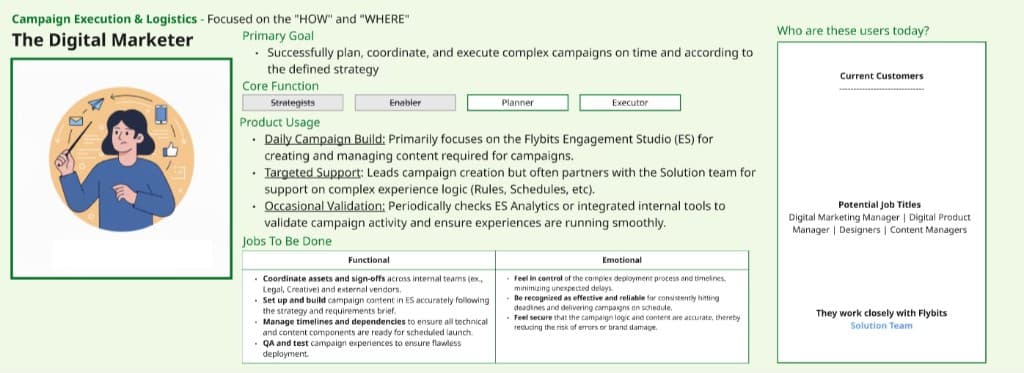
Primary – Marketers: responsible for creating promotional content, offers, and campaigns that appear in the end-user application.
Secondary – Technical Specialists: internal or client-side technical teams who assist with implementation and configuration of content within the CMS.
Research & Discovery
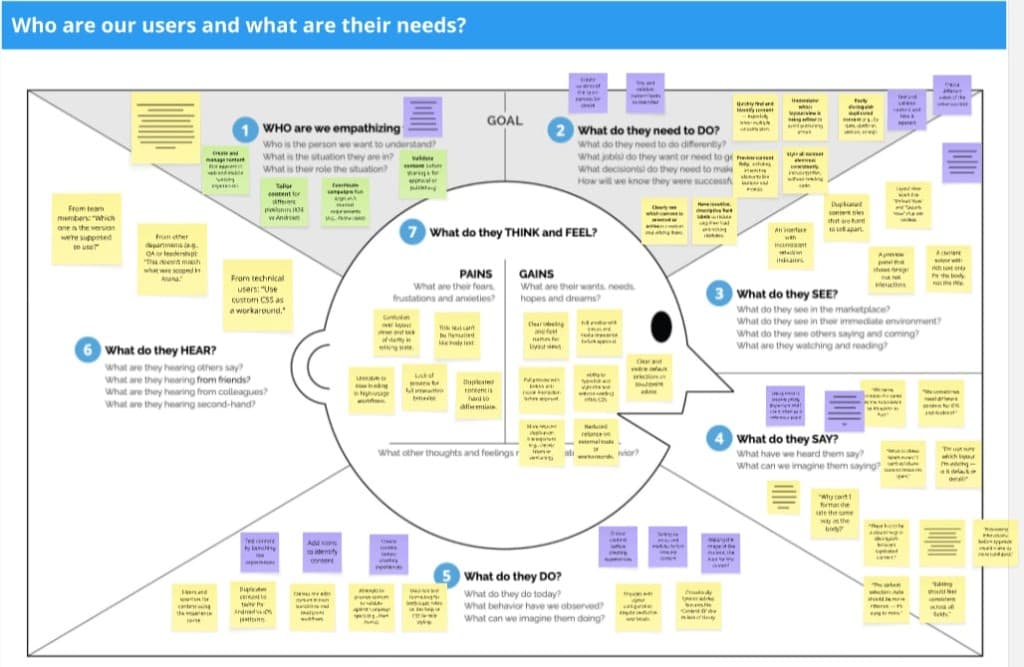
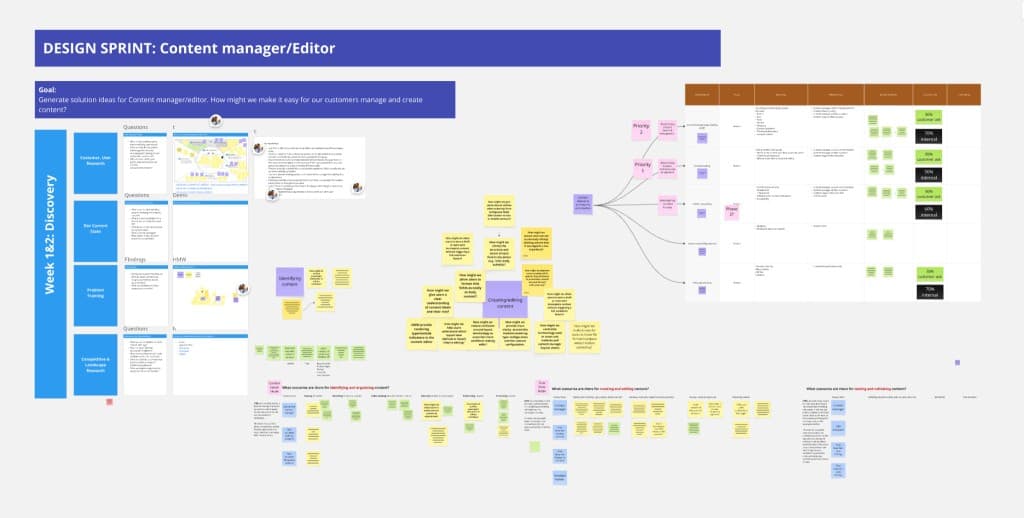
To better understand the problem, we ran a two-week design sprint using the Google Design Sprint methodology. Our research included user interviews with both external customers and internal users, a heuristic analysis of the existing product using the Nielsen Norman Group's 10 usability heuristics, and a competitive analysis of other CMS and marketing content platforms.
We synthesized our findings into themes and converted them into "How Might We" questions to guide ideation. To accelerate research synthesis, I leveraged AI tools like ChatGPT and Gemini to organize interview insights and highlight patterns across large sets of qualitative data, surfacing key insights that might otherwise be missed during manual analysis.
Key Insights
1. Marketers think in placement, not architecture. The existing system assumed users understood how content components worked technically, but marketers think in terms of content placement and user journeys. For example: "I want this credit card offer to appear as a card in the homepage carousel"—not "I need to configure a content block inside a template."
2. The interaction model matters. Users cared deeply about how content was created and previewed, not just the final result. They wanted a workflow that felt direct, visual, and predictable.
Design Process
I began the design process by sketching potential workflows and interaction patterns for a simplified CMS experience. To accelerate exploration, I also used AI tools like Claude to generate early functional requirements based on the research insights, which helped clarify what the CMS needed to enable for users.
Using Figma Make, I converted these concepts into interactive prototypes quickly. This allowed me to test multiple interaction patterns, validate flows faster, and share ideas with stakeholders earlier. However, while AI accelerated prototyping, it could not fully capture the nuanced UX challenges uncovered during research, so I transitioned to manually designing wireframes and flows to address more complex interaction requirements.
Challenges
1. Designing on top of a technical architecture. The CMS was originally designed for technical users, which meant much of the system language and structure was highly technical. A major challenge was simplifying the experience without breaking the underlying system architecture.
2. Limited access to external users. Because the product operates in a B2B environment, direct access to customers was limited. We had to rely on internal SMEs, existing research, and assumption-based models informed by prior feedback.
Solution
The redesign centered on aligning the product with the marketer’s mental model. Instead of forcing users to think about technical content configuration, the workflow was reframed around content placement and marketing intent, grounded in a core user statement: "As a marketer, I want to display a credit card offer as a card in the homepage carousel and as a list item on the details page."
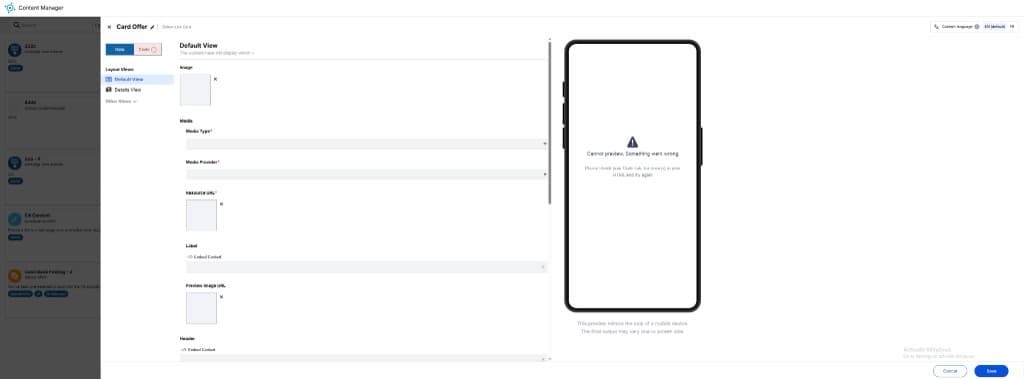
We simplified the content creation flow from a multi-step, configuration-heavy process to a more focused sequence: select template, edit content across views, test, then save. The redesign removed unnecessary steps and simplified the terminology used throughout the experience.
We also improved language and navigation by replacing technical terminology with language that reflected how marketers think about campaigns and placements, helping users better understand where content would appear, how it would behave, and what step they were currently completing.
Old design
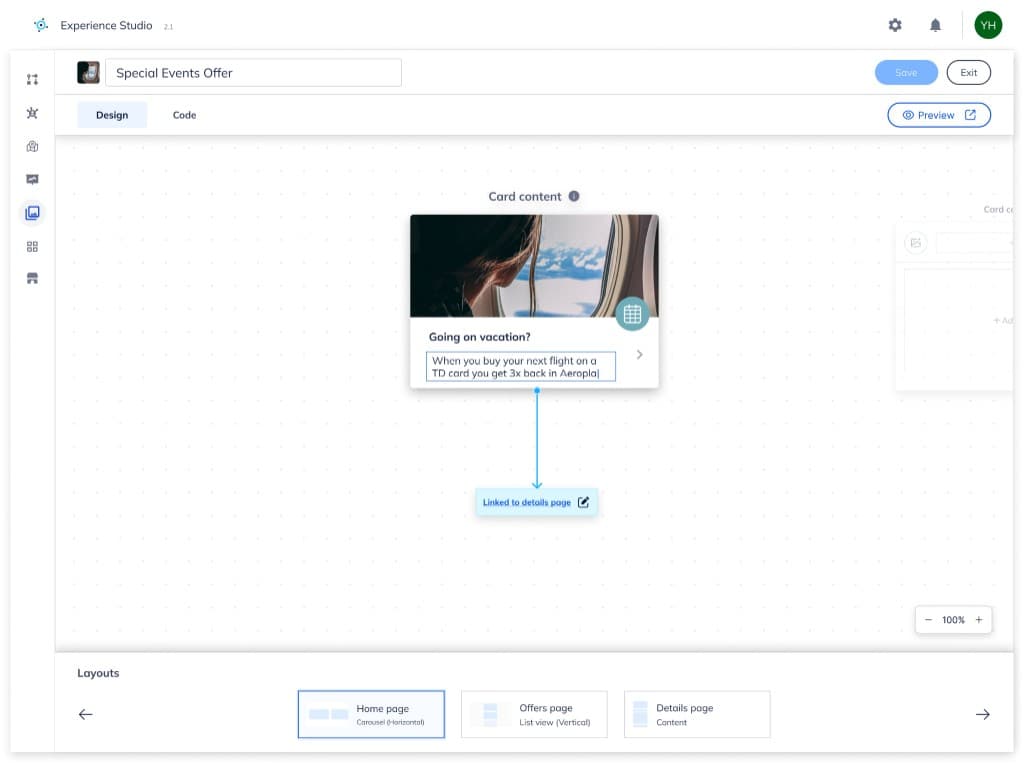
New design
Testing & Validation
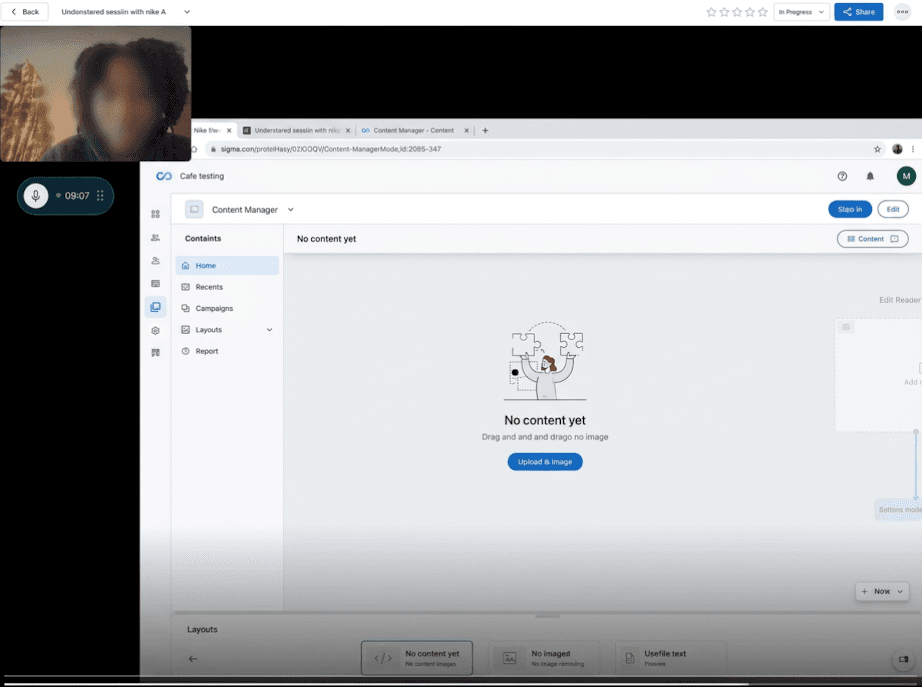
We tested the redesigned experience using Userlytics, measuring key usability metrics including task completion rate, time to complete tasks, and hesitation points within the flow. The redesigned experience outperformed the existing product by 55% across usability benchmarks, indicating significant improvements in efficiency and clarity.
Impact & Reflection
The redesigned CMS workflow significantly improved the usability of the content creation experience by simplifying the process, aligning the workflow with user mental models, and reducing friction in creating and previewing content. User testing showed a 55% improvement in overall usability performance compared to the previous design.
This project reinforced that mental models matter more than system architecture—designing around how users think is critical for complex enterprise tools. It also highlighted that while AI can accelerate design workflows, it cannot replace human judgment, and that B2B design often means working carefully within constraints such as limited user access and rigid technical foundations.